

Overview
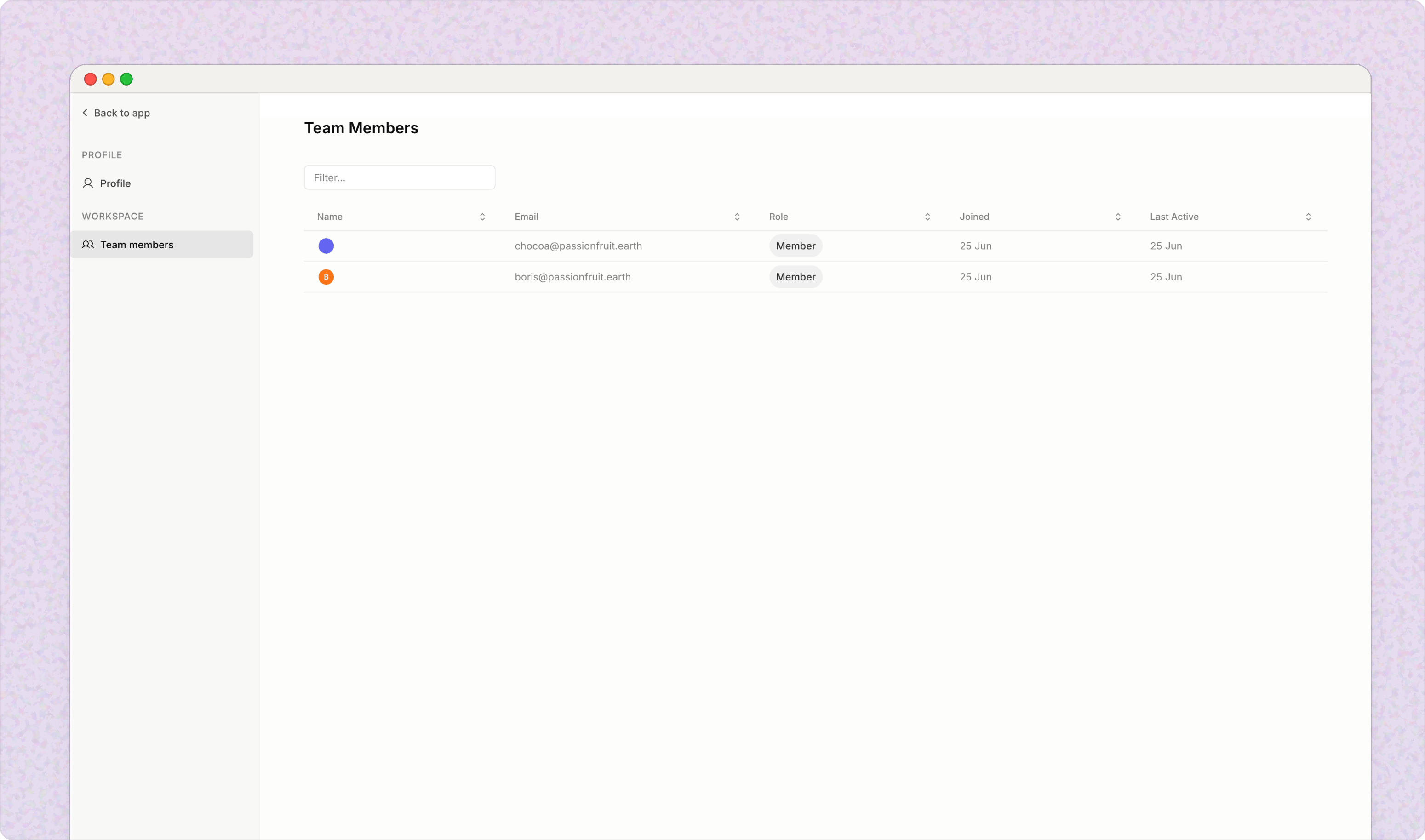
Organisations are groups of users. Configure company-wide settings, manage members and roles, set up workspaces, and share resources so teams can collaborate effectively. Managed in the app only: Organisation settings can only be managed from the Passionfruit app. See the App & Integrations for where to find it.
Single Sign-On (SSO) with Microsoft Entra ID
Enable Single Sign-On (SSO) for your organisation using Microsoft Entra ID (formerly Azure Active Directory) to provide a seamless and secure authentication experience for your team. Benefits:- Unified authentication: Users can sign in with their Microsoft credentials, including support for multi-factor authentication (MFA)
- Enhanced security: Leverage your existing Microsoft Entra ID security policies, including conditional access and two-factor authentication
- Streamlined access: Users are automatically authenticated when they access Passionfruit, reducing password fatigue
- Centralized user management: User provisioning and deprovisioning is managed through Microsoft Entra ID
SSO setup is a managed process. See the SSO guide for administrators, or contact
hello@passionfruit.earth to get started.