

Overview
See the source behind every answer. Open Review to check context quickly, or switch to Review mode and use split view to compare sources next to answers.Review mode
Open Review to see citations and sources for every answer. Switch to Review mode to use split view and compare sources side-by-side with answers.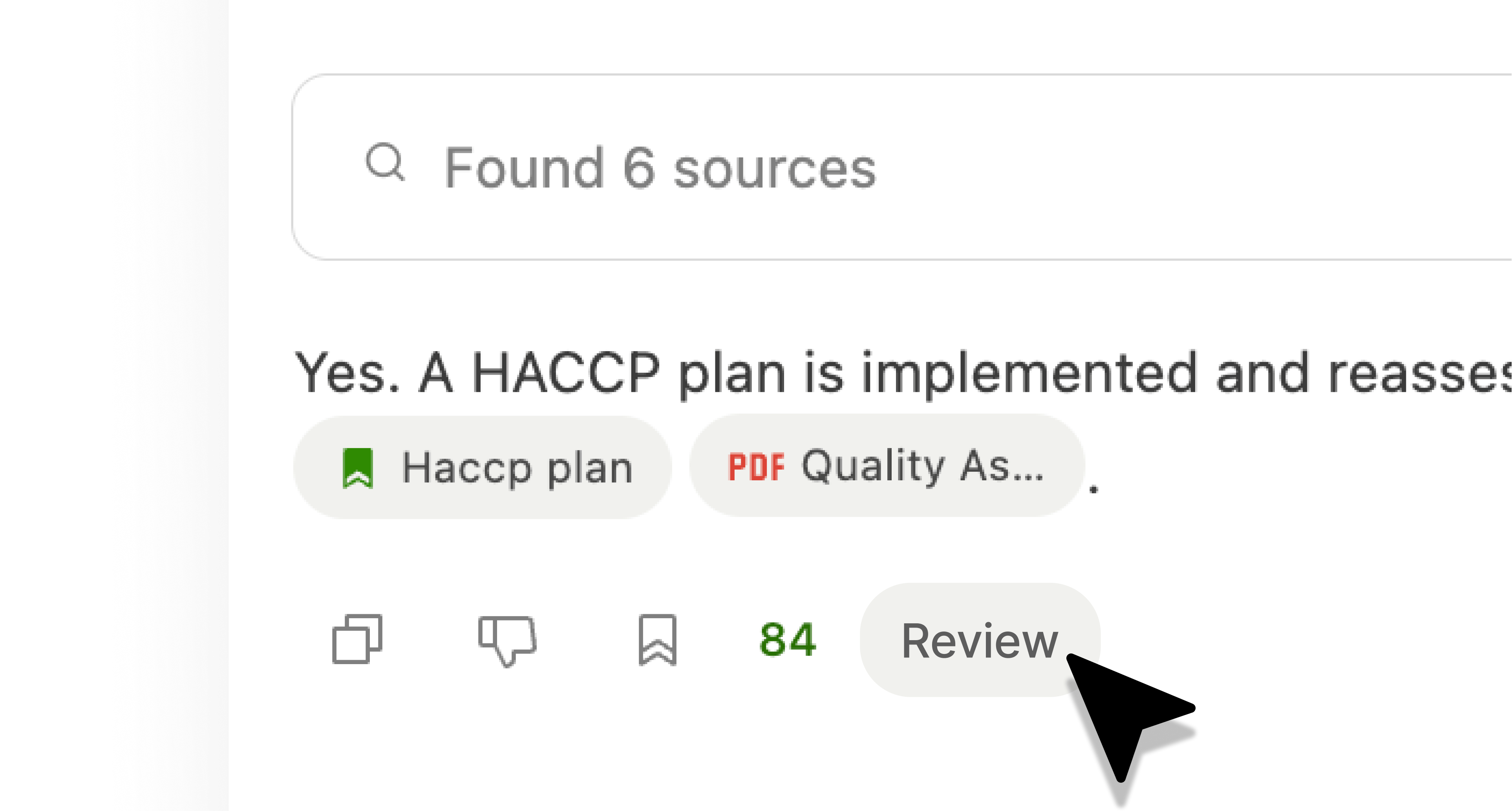
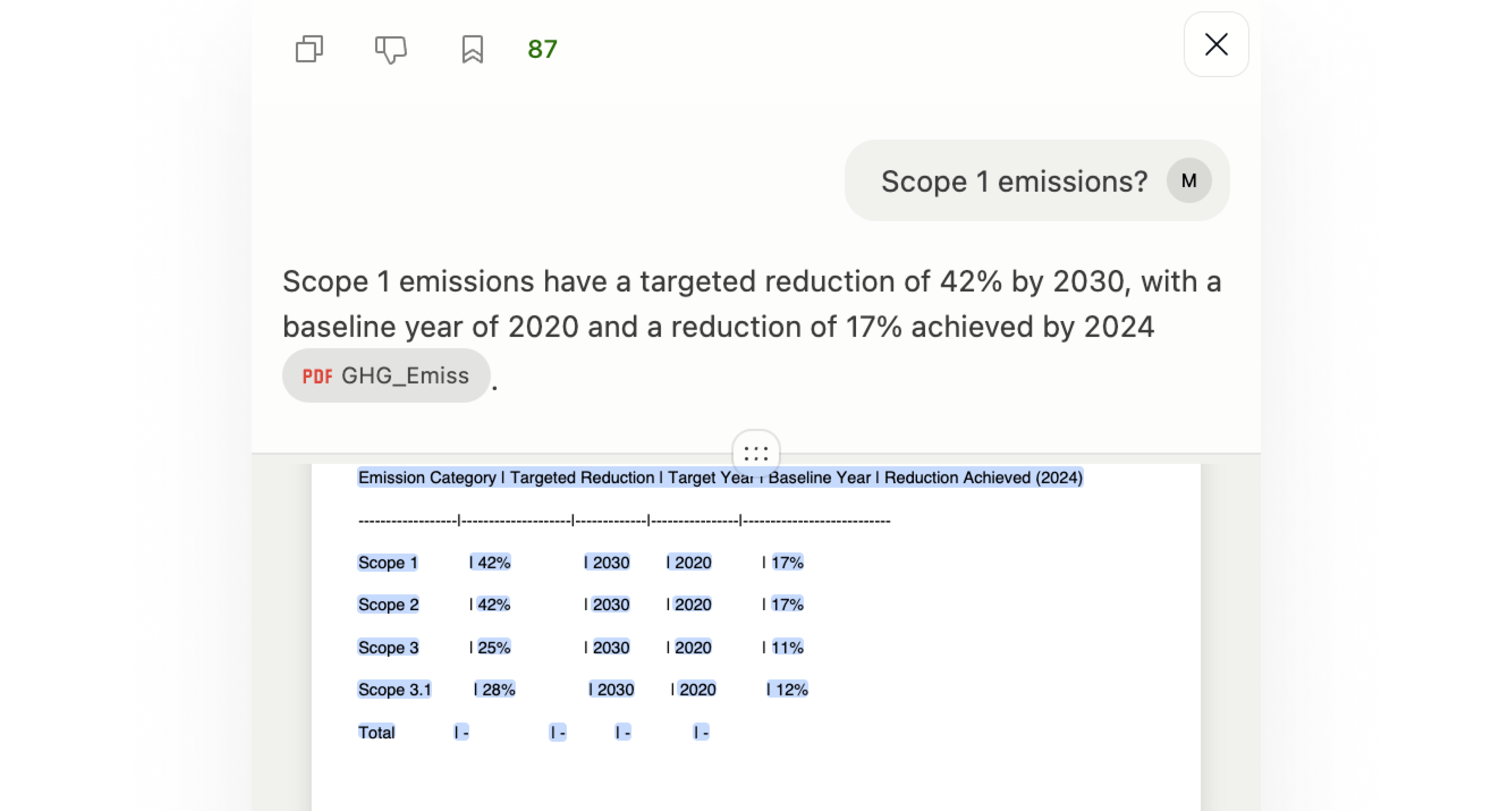
Split view
Drag the extension sidebar wider to expand split view, giving you more room to review sources next to answers.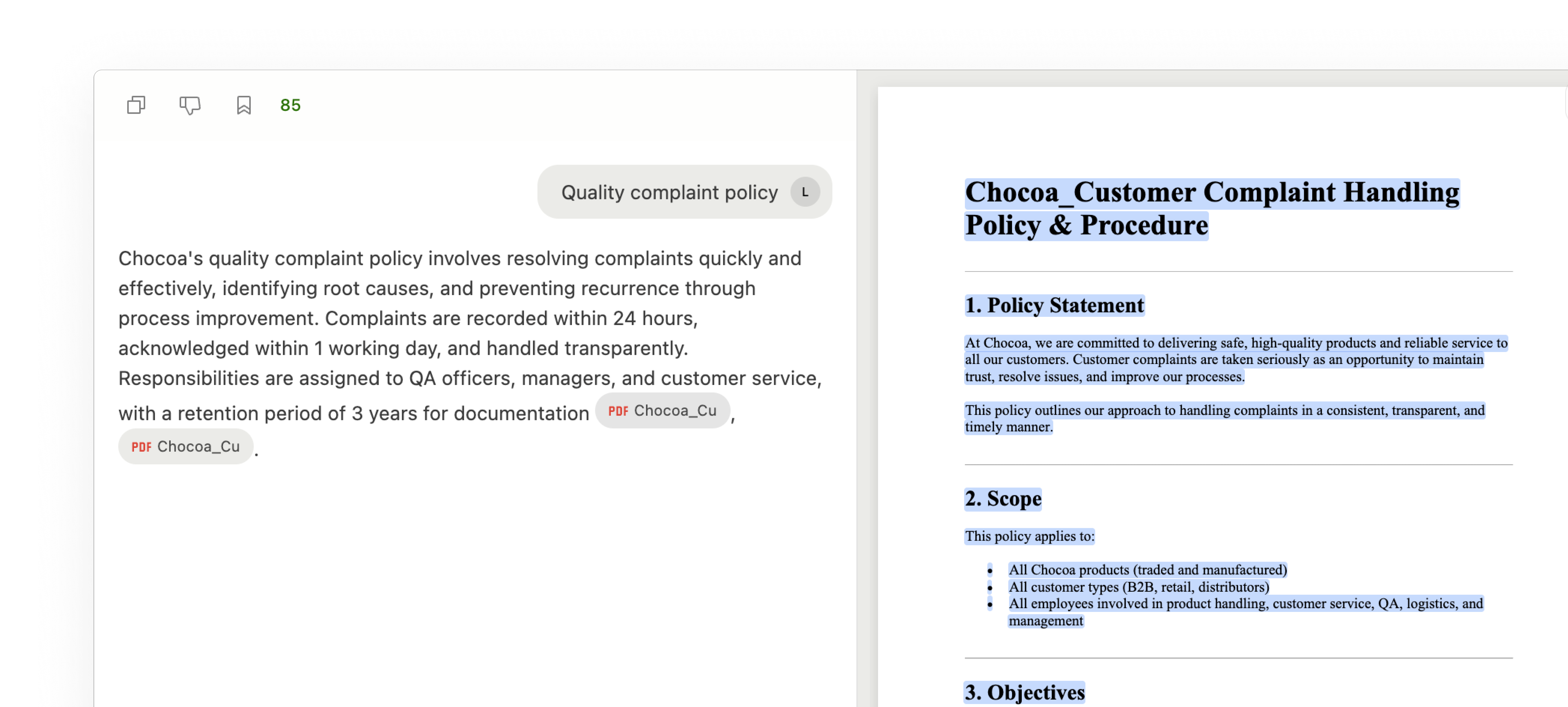
Steps
- Open the suggested answer in Chat
- Click Review to see all citations and sources
- Use split view to compare sources next to answers
- Filter by entities or select specific sources to narrow your search
- Click each citation to review the source in detail
- If everything looks good, insert or copy the answer
- If not, adjust the question, context, or search configuration and try again