Overview
When you connect an external source like SharePoint to Passionfruit, your policies, reports, and other documents are automatically pulled into your Knowledge Base. When a document is added or updated at the source, the change arrives in Passionfruit automatically — no downloading, re-uploading, or guessing whether you have the latest version. Synced evidence supports PDF, Word (.docx, .doc), Excel (.xlsx, .xls), PowerPoint (.pptx, .ppt), and email (.eml, .msg) files. Other file formats are not imported at this time.Reviewing imports
When files are added or changed in a connected source, they appear in the Import Review queue. Look for the cloud icon in the top-right corner of your evidence list — a badge shows how many files are new or have been updated at the source.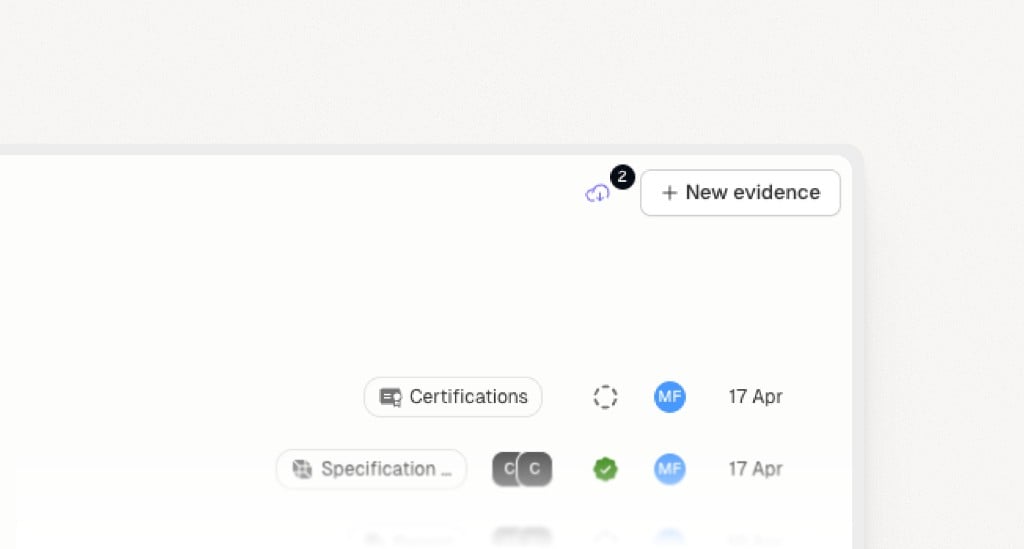
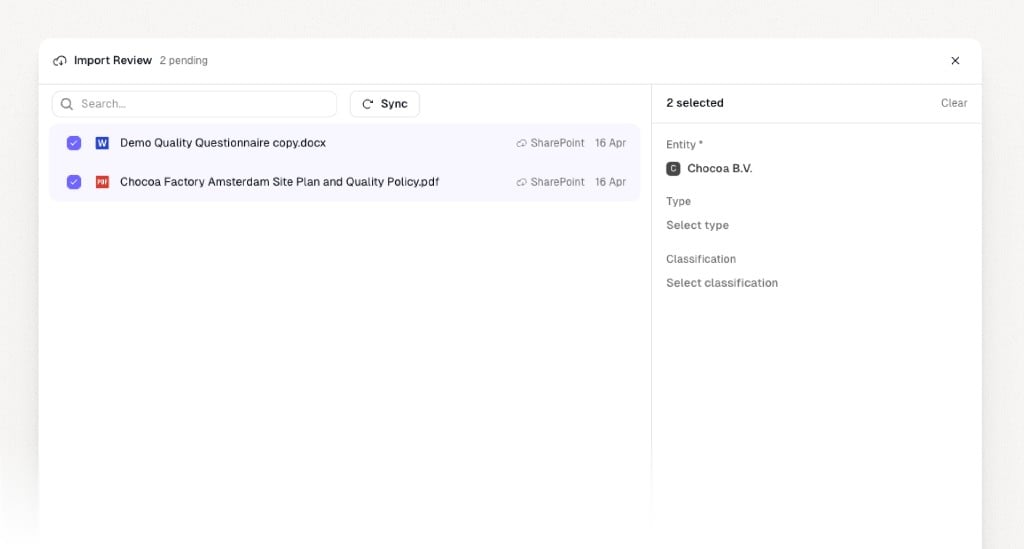
- Review the list of pending files. Each file shows its name, source, and when it was last modified.
- Select one or more files you want to import.
- Assign each selection to the right entity, and optionally set a type and classification.
- Import when you’re ready. The files are saved into your Knowledge Base and become searchable immediately.