


Excel Add-in
Transform Excel into a powerful questionnaire management tool.

Word Add-in
Create and edit questionnaire documents with AI assistance.

PowerPoint Add-in
Turn your questionnaire data into compelling presentations.
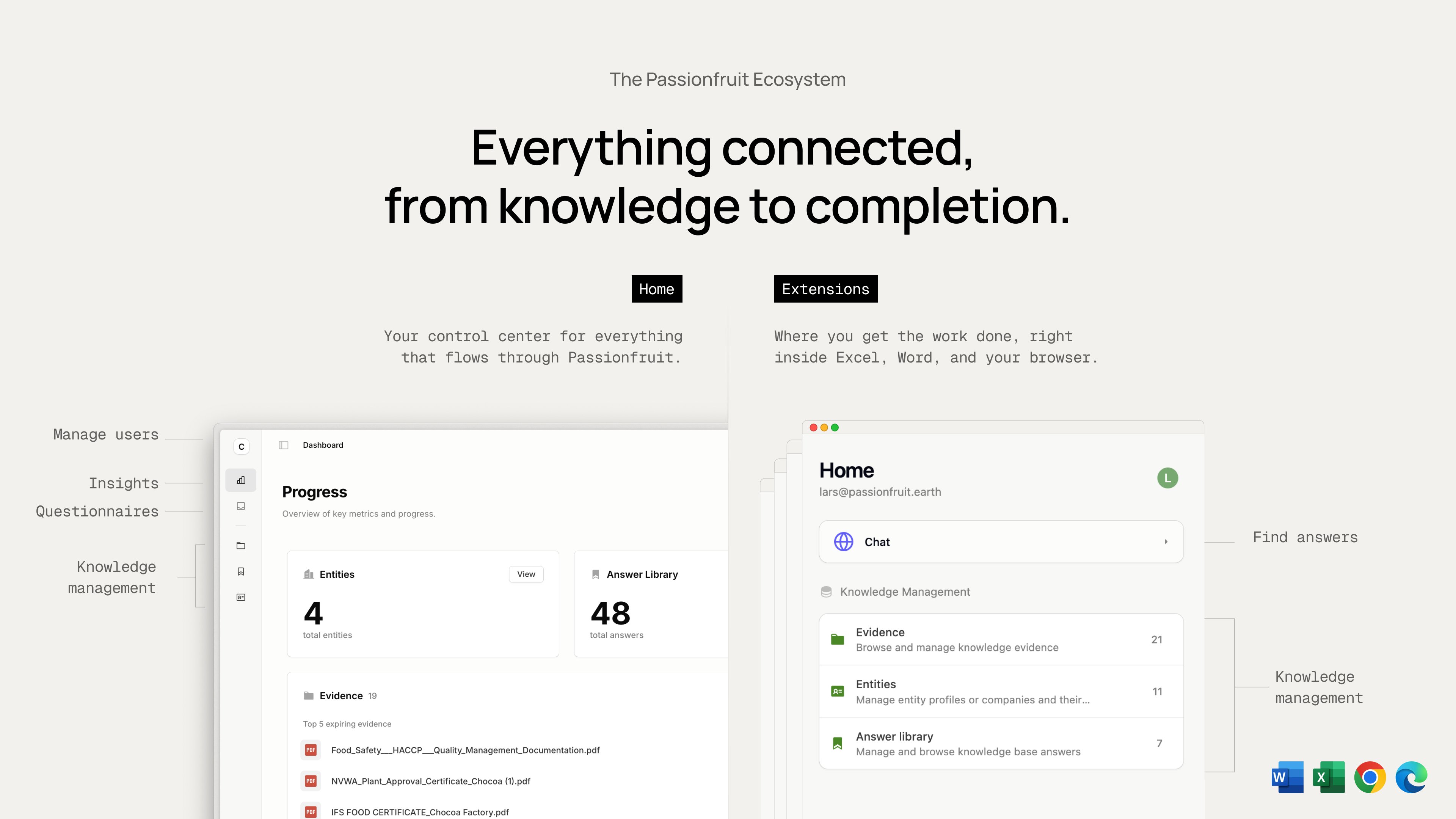
We’re focused on helping you fill in questionnaires directly in Excel and Word. Any data needed to complete those questionnaires—answers, evidence, or entity details—can be updated from within the add-ins or via the Home web app. Everything stays in sync.
Install from Microsoft AppSource
Get Passionfruit directly from Microsoft’s marketplace.- Open: Passionfruit on Microsoft AppSource
- Click
Get it nowand follow the prompts - Once installed, open your Office app and look for Passionfruit in the ribbon or under
Add-ins
Install from within Office
You can also add Passionfruit from the Office ribbon.- Open Outlook, Word, Excel, or PowerPoint
- Go to
Insert→Get Add-ins(orMy Add-ins) - Search for “Passionfruit” and select
Add - The add-in appears in your ribbon and under
My Add-ins
For administrators
Deploy Passionfruit to teams or your entire organization.- Go to the Microsoft 365
Admin Center - Navigate to
Settings→Integrated apps→Add apps - Search for “Passionfruit” and select the add-in
- Choose who gets it (users or groups) and whether it installs automatically
- Review and approve permissions, then
Deploy - Monitor deployment status and confirm the add-in appears for users
What you can do now
- Excel: Use
PASSIONFRUIT.ASKto answer cells with sources. See Excel add-in. - Word: Draft structured responses with citations, then insert. See Word add-in.
- PowerPoint: Turn answers into slides to share outcomes.
- Outlook: Integration is in progress and coming soon.
Support
Need help? We’re here for you.- Contact your IT admin for store access or permission issues
- Email us at hello@passionfruit.earth
Steps may vary based on your Microsoft 365 version and organizational policies.