> ## Documentation Index
> Fetch the complete documentation index at: https://docs.passionfruit.earth/llms.txt
> Use this file to discover all available pages before exploring further.
# Sync evidence
> Import evidence from connected sources
#### Overview
When you connect an external source like SharePoint to Passionfruit, your policies, reports, and other documents are automatically pulled into your Knowledge Base. When a document is added or updated at the source, the change arrives in Passionfruit automatically — no downloading, re-uploading, or guessing whether you have the latest version.
Currently, synced evidence supports **PDF** and **Word (.docx)** files. Other file formats are not imported at this time.
#### Reviewing imports
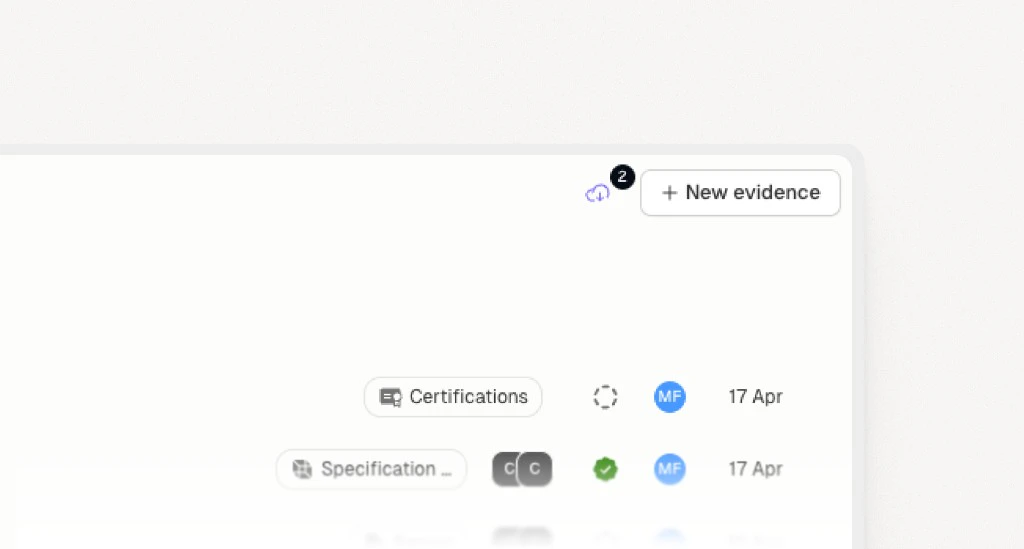
When files are added or changed in a connected source, they appear in the **Import Review** queue. Look for the cloud icon in the top-right corner of your evidence list — a badge shows how many files are new or have been updated at the source.
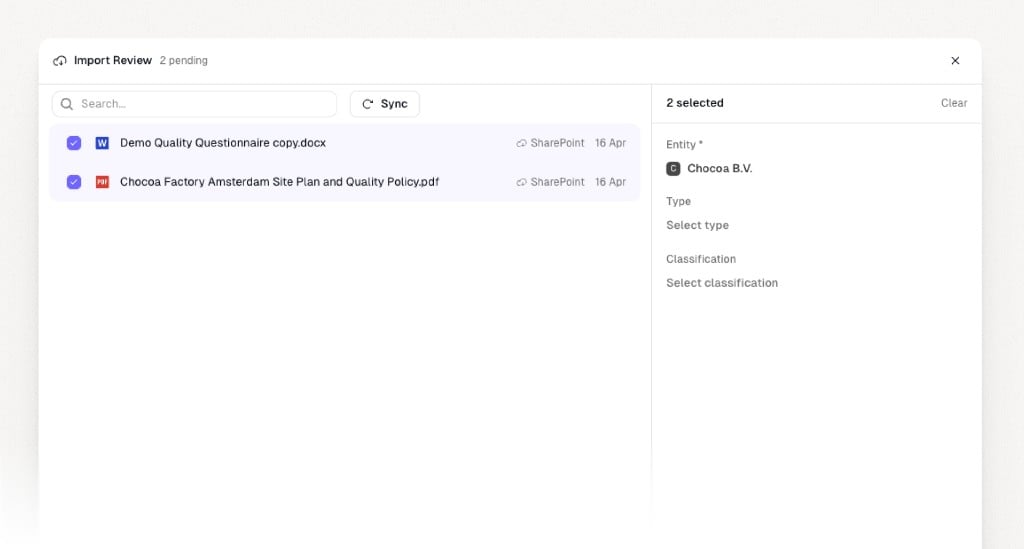
Click the cloud icon to open Import Review. From here you can:
1. **Review** the list of pending files. Each file shows its name, source, and when it was last modified.
2. **Select** one or more files you want to import.
3. **Assign** each selection to the right entity, and optionally set a type and classification.
4. **Import** when you're ready. The files are saved into your Knowledge Base and become searchable immediately.
If a file already exists in your Knowledge Base, Passionfruit detects the duplicate automatically so you don't end up with two copies of the same document.