> ## Documentation Index
> Fetch the complete documentation index at: https://docs.passionfruit.earth/llms.txt
> Use this file to discover all available pages before exploring further.
# Profile
> Manage your personal preferences and settings within the Passionfruit app to enhance your user experience and streamline operations.
#### Overview
Your personal settings and preferences in Passionfruit.
Managed in the app only: Profile can only be managed from the Passionfruit app. See the [App & Integrations](/docs/installation/apps) for where to find it.
Open Profile by clicking your avatar in the top left, then Settings, then Profile.
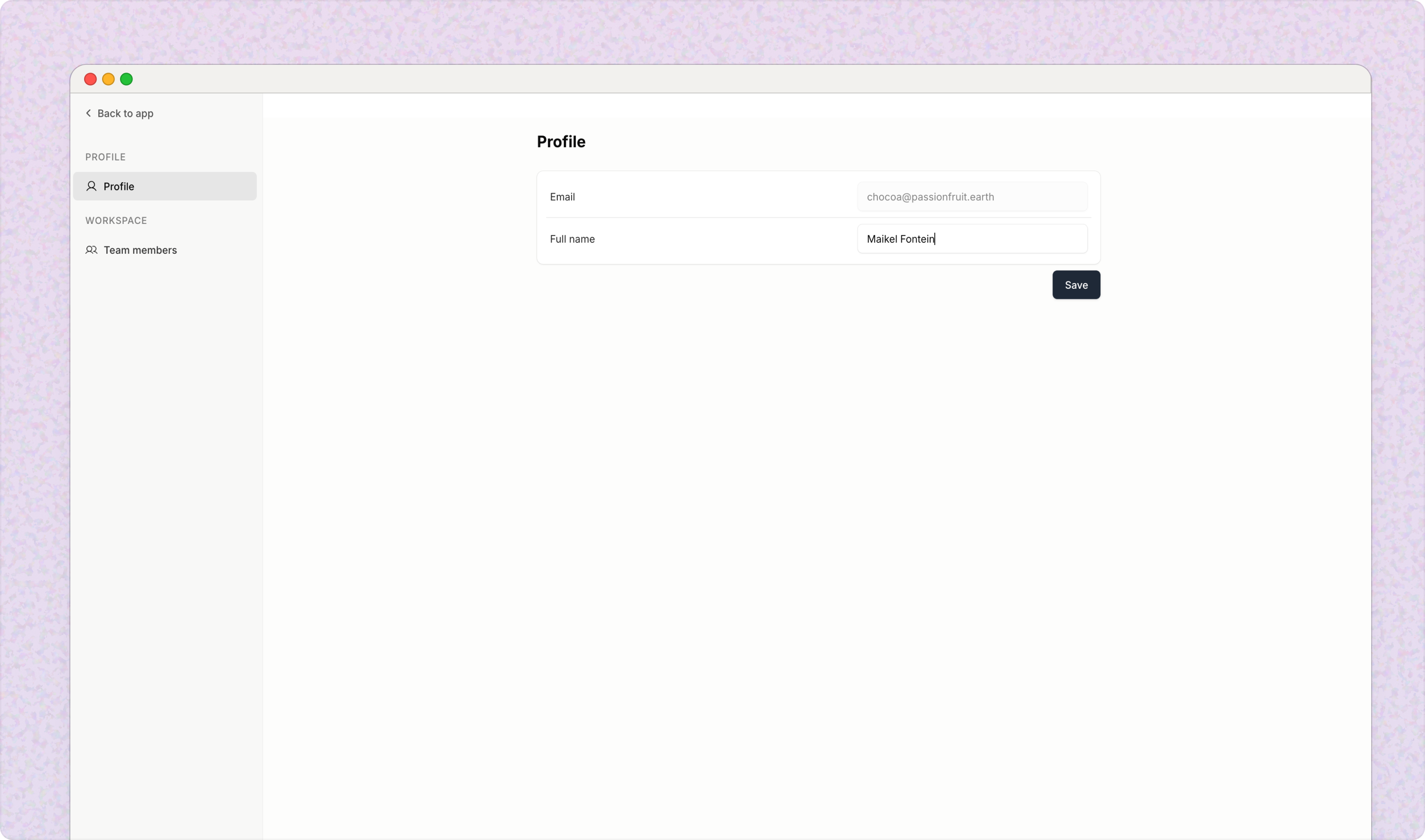 You can update your display name, job title, and contact information here, and you can change your password and manage sign-in preferences (contact your IT manager).