> ## Documentation Index
> Fetch the complete documentation index at: https://docs.passionfruit.earth/llms.txt
> Use this file to discover all available pages before exploring further.
# App & Extensions
> Explore how to utilize Passionfruit’s web app and extensions for seamless knowledge management and task execution
#### Overview
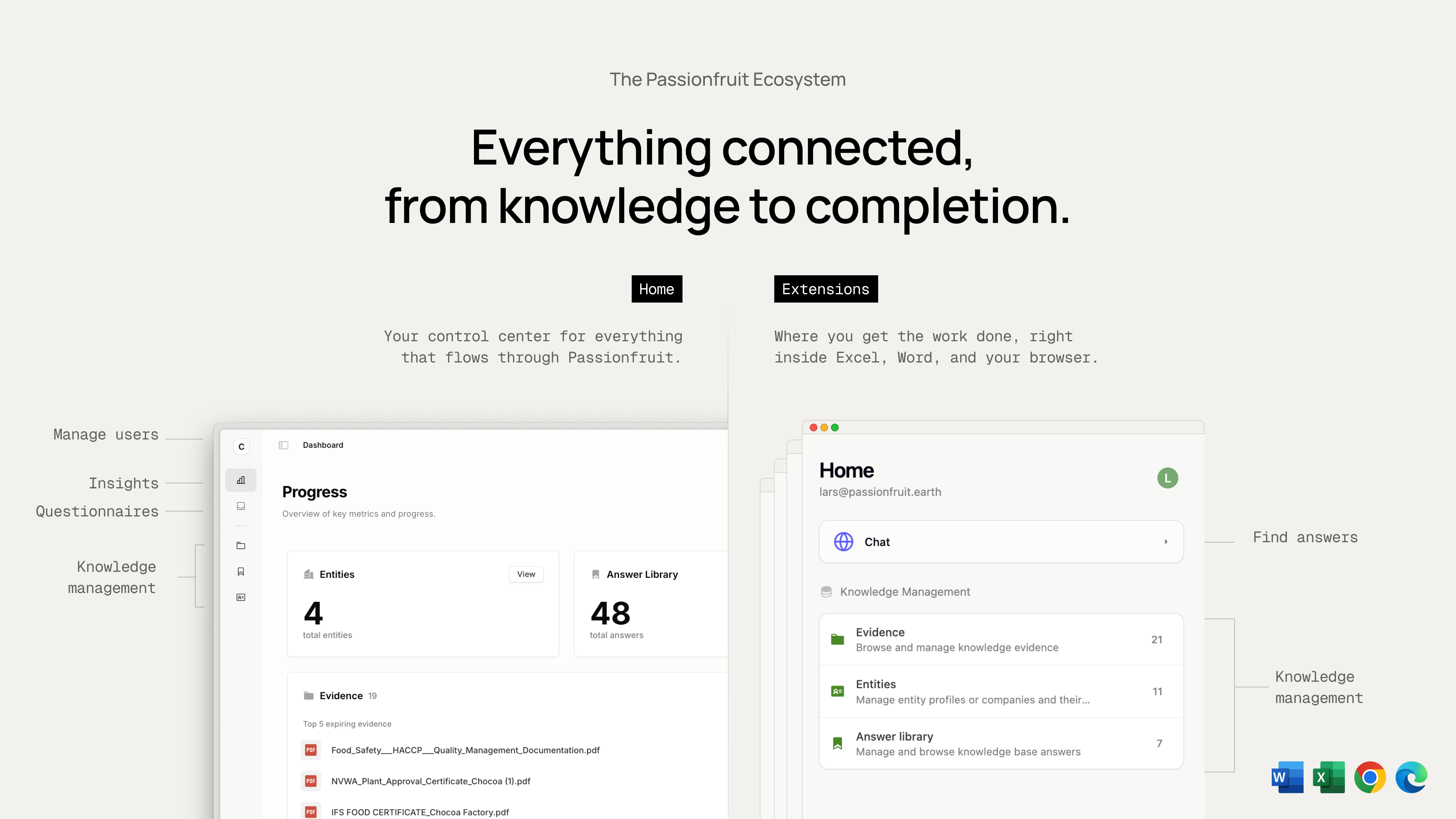
Passionfruit has two ways to work with the same workspace, knowledge, and permissions.
#### App
Your control center to manage knowledge and organization. It's the central place where all information flows back to. Here you connect to your integrations, manage users, and configure permissions. Accessible via [app.passionfruit.earth](https://app.passionfruit.earth).
#### Extensions
Use the extensions directly in applications where you already complete questionnaires, such as Excel, Word, and browser-based portals, allowing you to remain in your familiar tools. Each extension offers tools designed for its specific host app to assist in filling out questionnaires. We are continuously expanding capabilities to auto-fill answers; the first feature available is [Excel functions](/docs/excel-functions), which provides formulas to pull suggested answers and citations directly into cells for quick review and approval. For installation instructions, visit [Extension Installation Guide](/docs/installation/install).
`MS Add-ins` & `Browser Extensions`.